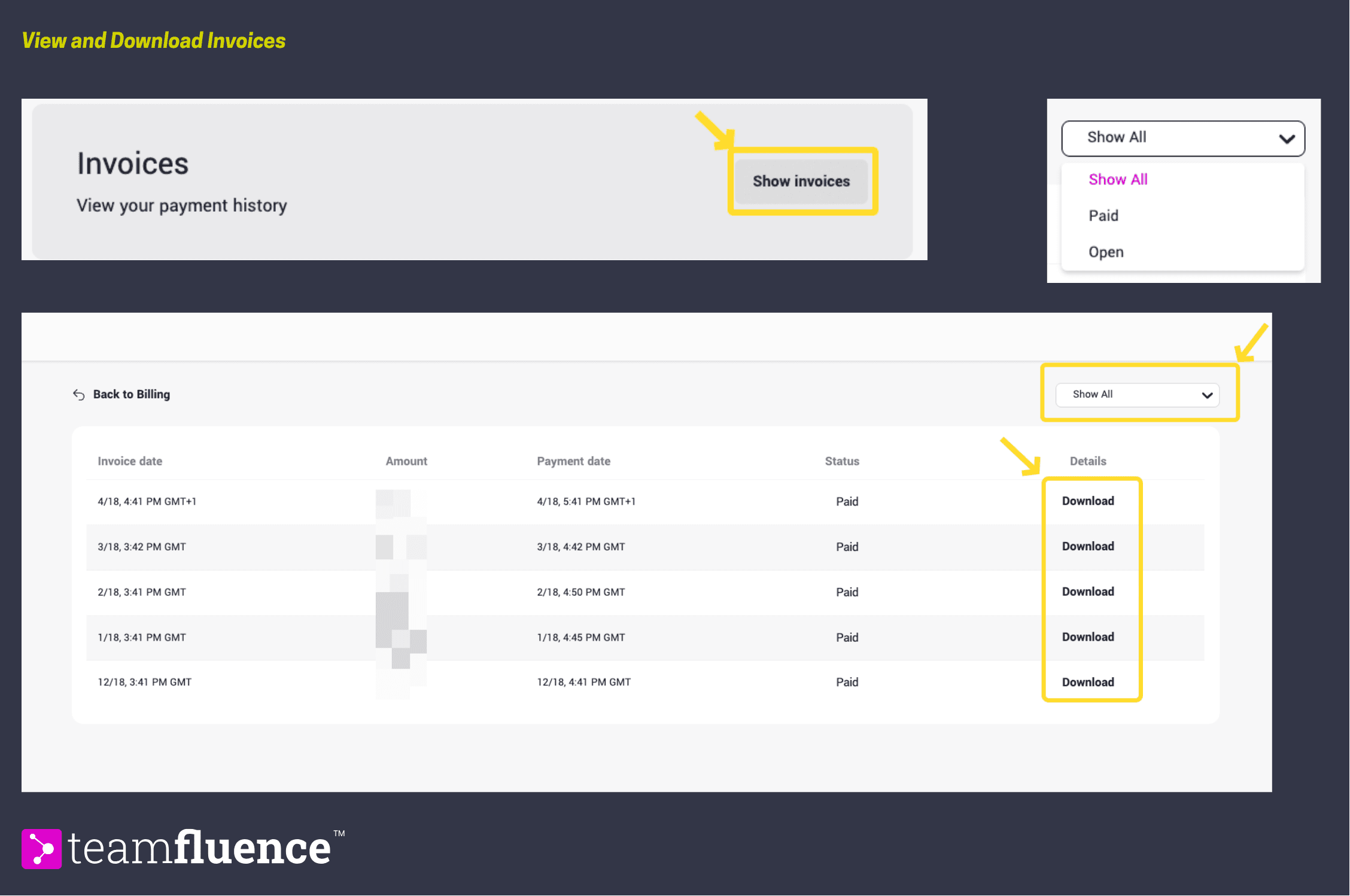
Invoices for all past transactions are available inside your Teamfluence workspace.
How to download an invoice
- Go to Settings → Billing.
- Go to Invoices section, and click on Show Invoices
- You can filter by status (Open or Paid) and download the ones you need.